Hey, it’s Deividas here!
Pixel is the single most important thing to get right if you want to be succesful with Facebook ads.
Reason?
Ads optimize according to data and the so called algorithm is machine learning, so you have to feed it with highest quality data.
The Facebook Pixel is a small piece of code you add to your website that helps track user actions and interactions with your site.
It's basically a tracker which fires when a certain action has been taken. Then it's used to make assumptions and decisions by the algorithm in the ads manager.
Setting up the Pixel is simple, and here’s how you can get started:
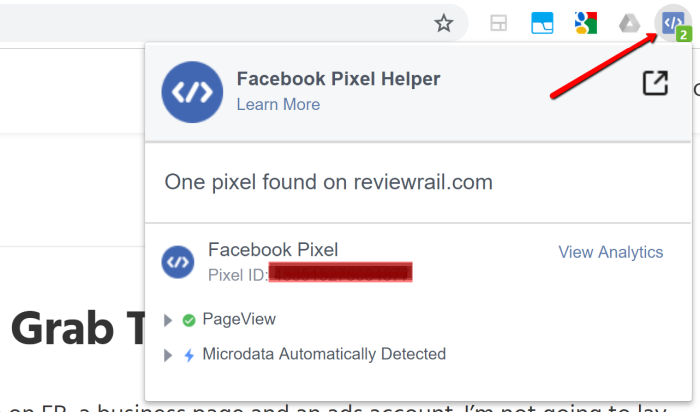
Once your Pixel is set up, you can use it to create custom audiences for more precise targeting:
Tip: Use high intent custom audiences like top 25% AOV or LTV users.
Also, make sure you setup audience segments for Advantage+.
CAPI is a server side tracking which was created after the infamous iOS privacy update.
Setting up a pixel is no longer enough, a good CAPI connection is a must if you want to have somewhat accurate tracking.
Most advertisers use the regular Shopify CAPI setup, but the problem is that it's quite poor and it will report only up to 70% of data.
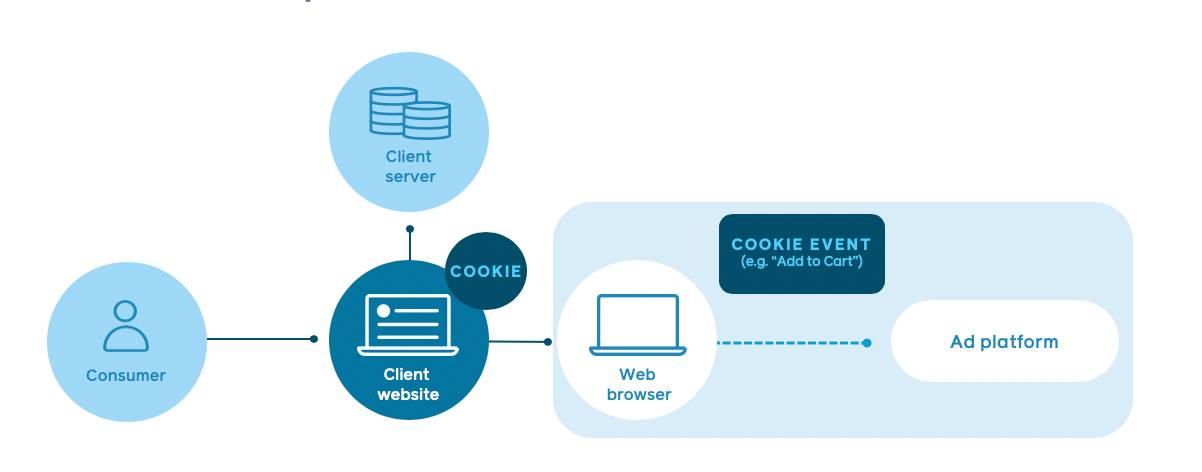
To get it right you can either:
- Use platforms like https://stape.io/ to setup yourself.
- Done for you premium CAPI with https://popsixle.com/
Invest into a good CAPI because data quality = optimisation quality.
Deividas
-----------------------------------------------------------------------------------------------------------------------------------------------------------------
-PS. If you need more help, then:
Access FREE Products On Gumroad